D
Danaonline
Find the wordsI can't believe you forgot. Again.
ok. fine. whatever.
I'm sorry. I should have remembered. Can we talk tonight?
Find the words · OpenAI Viber×OpenAI
NOW IN YOUR CHATS
01 · Strategy
The hard part of a chat was never typing. It's the wrong word, the other language, the 312 you missed. OpenAI in Viber clears the way, so every message actually reaches them.
My strategy
Sparkles, robots and feature lists, all promising “smarter”. But people don't want more AI. They want to get through to someone.
Everyone knows the moment: you know exactly what you mean, but something gets in the way. The wrong word. Another language. 312 unread. That gap is what the campaign closes.
That pause before you hit send: is it the right word? Will they get it? OpenAI in Viber takes that weight off, so you send with confidence. The words stay yours. OpenAI makes sure they land.
02 · Mockup
Built from Viber's own design language: clean, bright, instantly recognisable. In a feed full of AI-looking imagery, something warm and human is what stops the scroll, and it speaks to Viber's people: friends and families who live in their chats. One visual system runs across the landing page, the film, the site and every post, so people recognise the campaign wherever they meet it, and open Viber to try it.
Viber You know what you mean. Now find the words. OpenAI is here, right inside your chats. 💜
03 · Launch film
The film tells the whole campaign in a single turn: a message you can't get right, one tap, and the words that finally land. Same language, same line, same world as the landing page and every post, so from the first frame people know it's part of the same launch, and see what OpenAI now does inside Viber.
04 · How I made it
Blender for the world, After Effects for the edit, Claude for research, copy and this site, and Higgsfield for references. Simple tools, one rule: keep it as clear as Viber.
A · The approach
The brief asked for a launch that feels human and unmistakably Viber, not another AI campaign. Generated imagery would have looked like every other AI ad in the feed. So I built the world in Blender: a real desk, a real phone, a coffee, a notebook, with Claude scripts speeding up the work along the way. That gave me full control over every frame and kept the look as simple and clean as Viber's own language. Then I brought it all together in After Effects.
One small scene, built once and used everywhere. I kept the shapes soft and the materials matte, with a single warm light and Viber purple on the desk mat. From this one scene came the film, the key visual and every post, which is what makes the campaign feel like one piece.
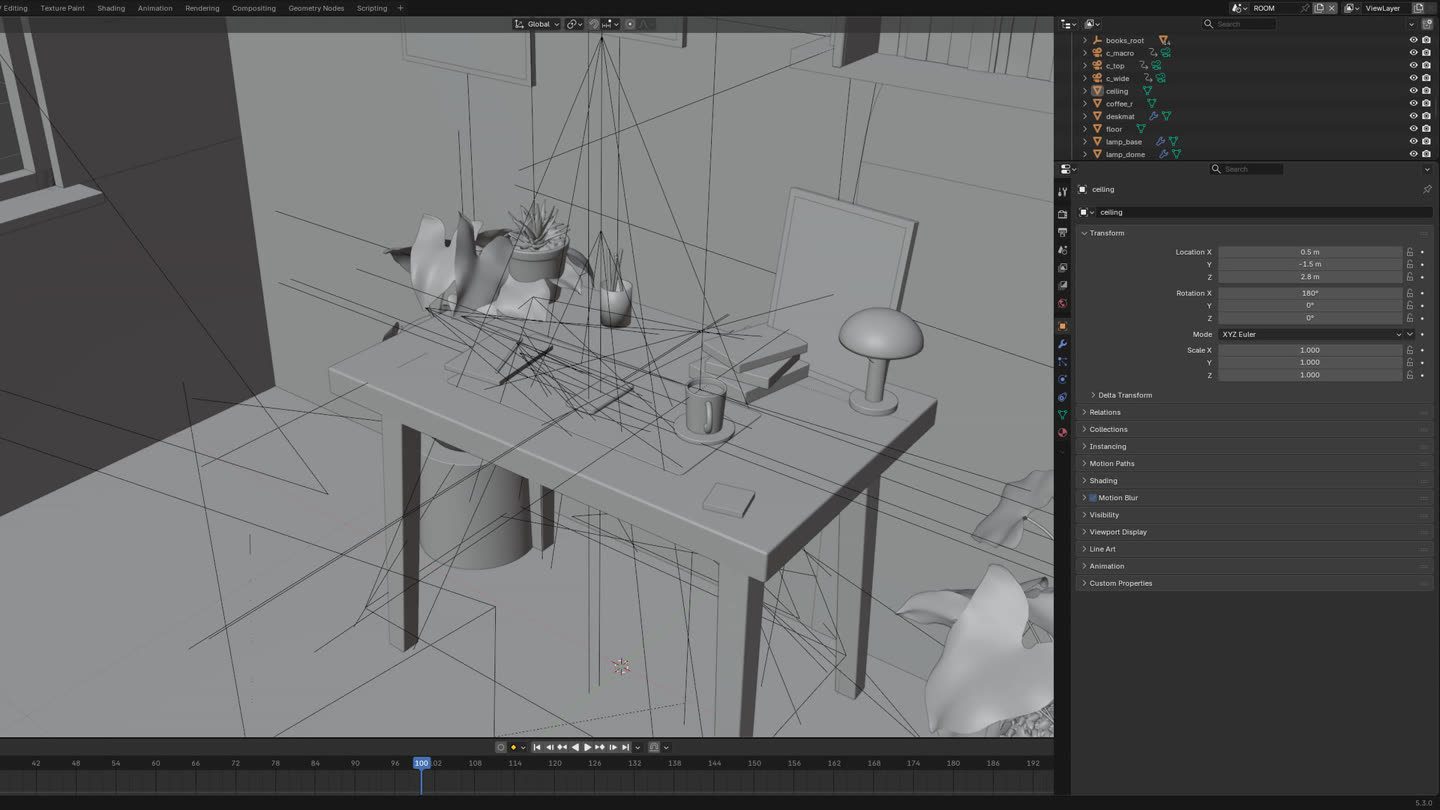
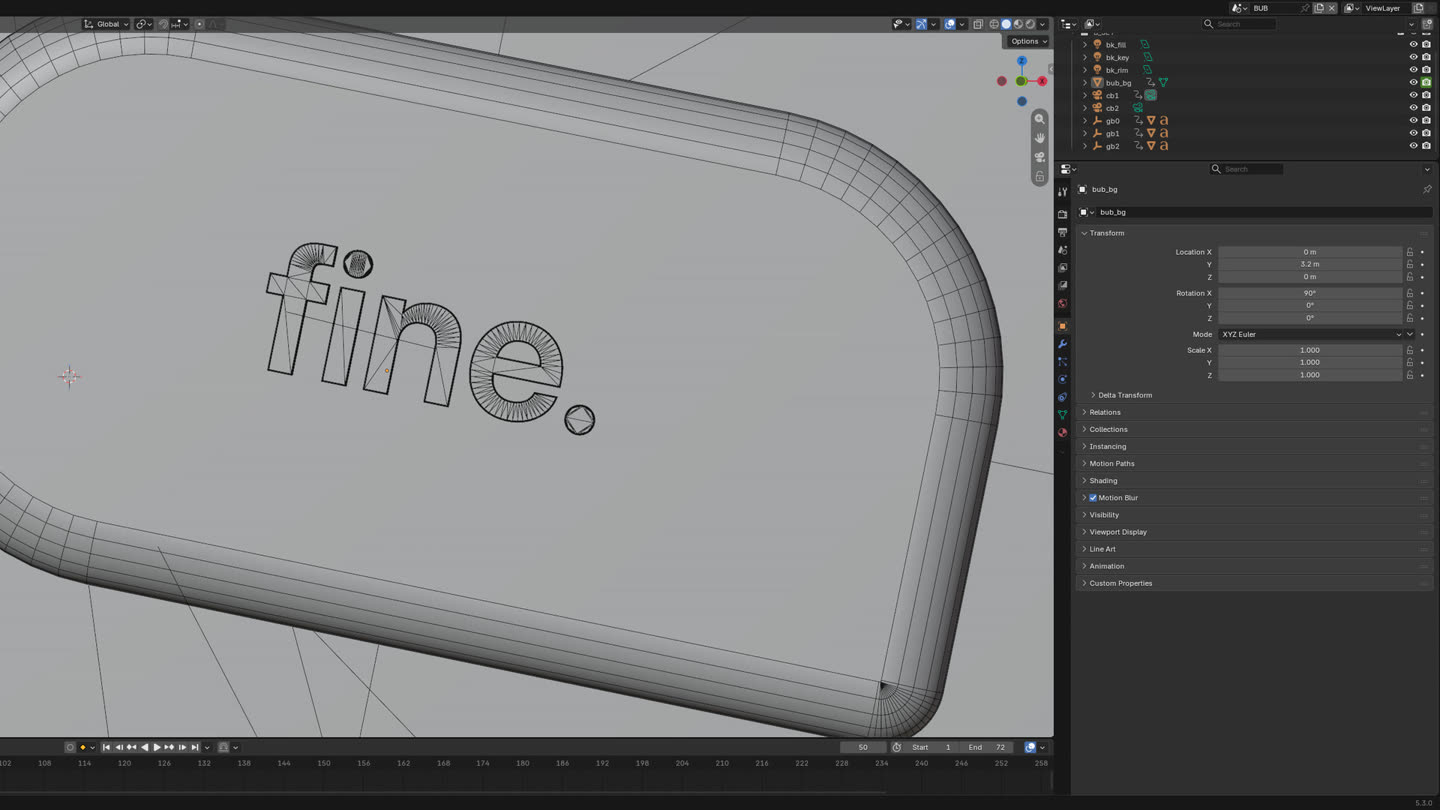
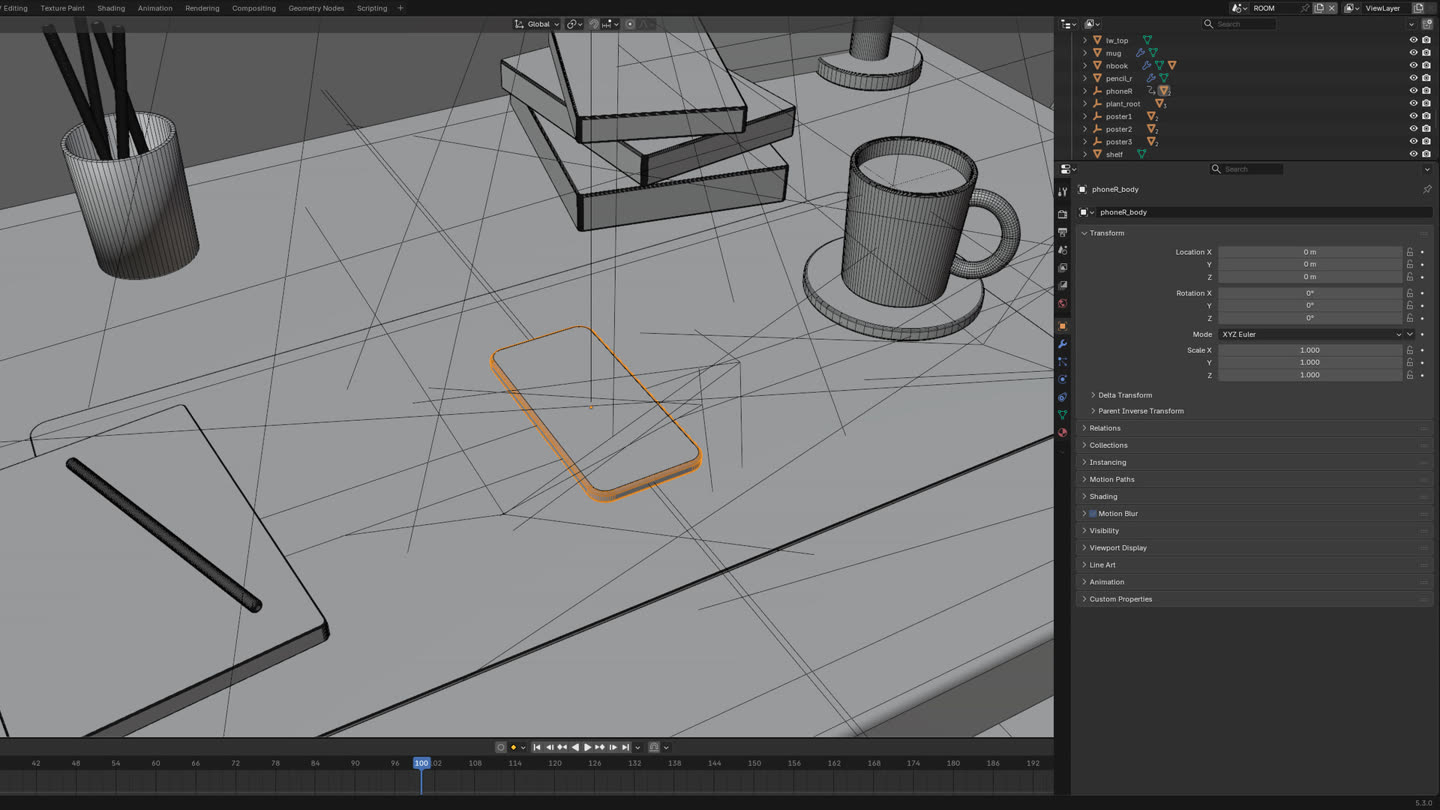
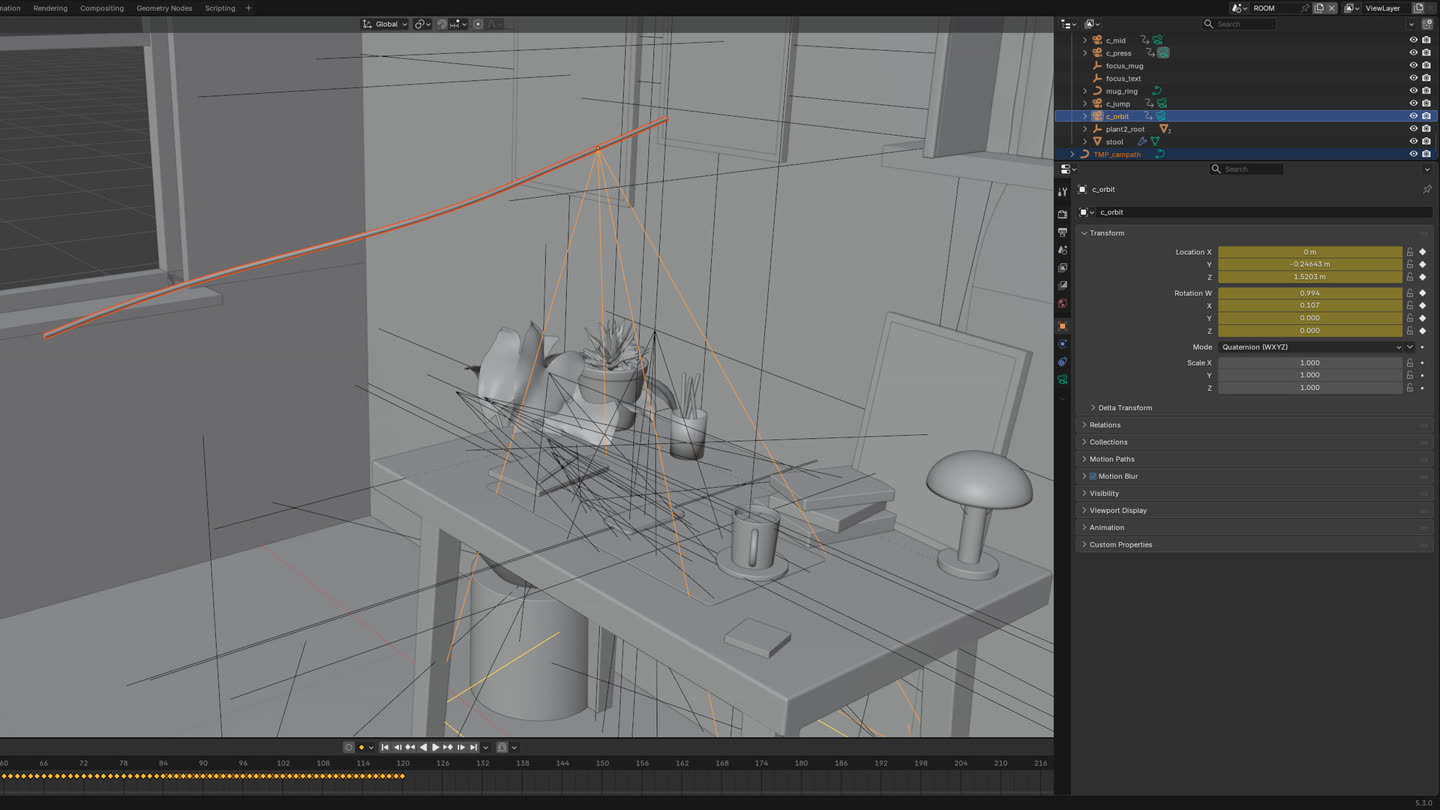
Four tools, each with one clear job, all working toward the same simple Viber look.
3D · Modelling & animation
The brief: launch OpenAI inside Viber as something people feel, not a feature list. I built one small world in Blender, and every frame of the campaign comes from it.
I modelled the desk, the phone and the props in Blender and animated them together with After Effects, including the phone turn that carries the idea. I tested the lighting and the camera on stills first, then rendered the final sequences for the film and the key visuals.
Research · copy · site
Research on Viber and its audience, the copy, and this site and its code, so the pitch speaks the same language as the campaign.
Edit · finish
The edit, the final animation and the colour. One master edit, so every format stays consistent.
References
Seedream for images and Seedance for video, to build the references. Picking the model shot by shot gave me full control over the look I was aiming for.
02 · The visual mechanism
Press the button. The phone turns, and what you typed becomes what you meant.
Every headline breaks around the phone: "What you | mean", "OpenAI | in Viber", "Find | the words". The device is literally the bridge.
We never show the model. We show its effect: one rotation of the phone, and the draft bubble becomes a sent bubble.
Pale #E7E2FB for what you typed, Viber #7360F2 for what you sent. Color alone tells the before and after.
03 · Key visual
Top-down on a Viber-purple desk mat. Coffee, a plant, a notebook: an ordinary morning. Dana's message has just landed, and the tagline splits around the phone, the same way the idea does.
04 · Motion
Approved styleframes for the launch film. 3D phone and desk in Blender, 2D type and bubbles in code, warm female voice-over. The final render drops in here.
05 · Copy
06 · AI process
Every step used AI to move faster, and every frame was art-directed. Nothing generated went out untouched.
Pressure-tested insights against the brief. Killed the first concept (a world inside every chat) for being too abstract, landed on one human gap: intent vs. message.
Seven 16:9 styleframes built as live, editable design files: real type, real UI, brand colors as tokens. Iterated by direction, not by prompt roulette.
Scene built and animated in Blender, driven by Python through an MCP bridge: the phone turn, the tabletop, camera moves, lighting passes.
Bubbles, type, the strike-through and the split headlines animated in HTML and rendered frame by frame, so the UI stays pixel-sharp.
Warm female English voice-over, message pops and UI sound design generated and timed to the edit.
Compositing, grade and mix. Delivered as a 16s hero film and a 10s cut, plus KV crops for feed and web.
No robots, no sparkle storms, no "AI look". If a frame said "made by AI" louder than it said "made for Dana", it was cut.
Dananow
Viber
×
OpenAI
Viber
×
OpenAI
Viber×OpenAI